
Faster than mobile web
The native build caches game assets locally, so titles launch in a fraction of the time the browser version takes. On a mid-range Android phone the difference on a heavy live-dealer table is obvious immediately.
Android APK · Free Download
The 101F Game Android app puts all 105 titles, the wallet, the promotions hub and the referral dashboard in one place. It installs as a direct APK because Google Play does not list real-money gaming apps in India — this guide walks through the whole thing, including the Android permission step that trips most people up.

Opens the operator’s official download page · 18+ only · We do not host or mirror any APK · Not available in restricted states
Install Sequence
Six steps. The first is an Android permission almost everyone gets stuck on, and the last two are the ones that save you time later. Read step five before you accept any bonus.
Android blocks app installs from outside the Play Store until you grant permission, and that block is a feature rather than an obstacle. Open Settings → Apps → Special app access → Install unknown apps, pick the browser you will download with (Chrome for most people), and switch Allow from this source on. On older Android builds the same setting lives under Settings → Security → Unknown sources.
One-time Android settingUse the download button on this page. It points to the operator’s own distribution page — not a mirror, not a file host, not a re-upload. Chrome will warn you that this file type can harm your device; that warning appears for every APK ever downloaded and is not specific to this one. Confirm the download and let it finish before you leave the browser.
Operator domain onlyTap the downloaded file from your notification shade, or find it under Downloads in your file manager. Android shows the permission summary and an Install button. Installation typically takes well under a minute. If Play Protect asks to scan the app first, let it — there is no reason to decline a scan.
Takes under a minuteLaunch the app and register with your Indian mobile number. You will set a login password and a separate withdrawal password — make them different strings and store them somewhere other than the phone itself. If you were given an invite code, enter it during registration; it usually cannot be added afterwards.
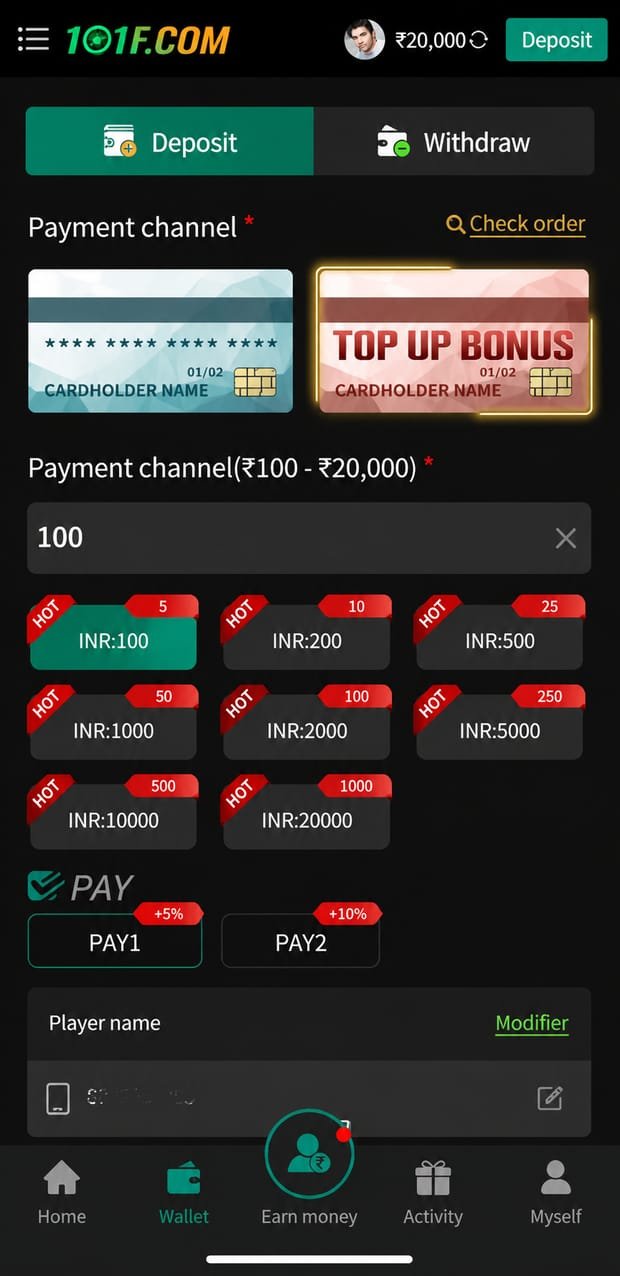
Two different passwordsOpen the wallet, choose a payment channel and make your first qualifying deposit. The operator applies the welcome offer against it. Before you accept, open the bonus terms panel and read the qualifying amount, the wagering requirement and the expiry window — accepting a bonus generally locks your balance until that requirement is met.
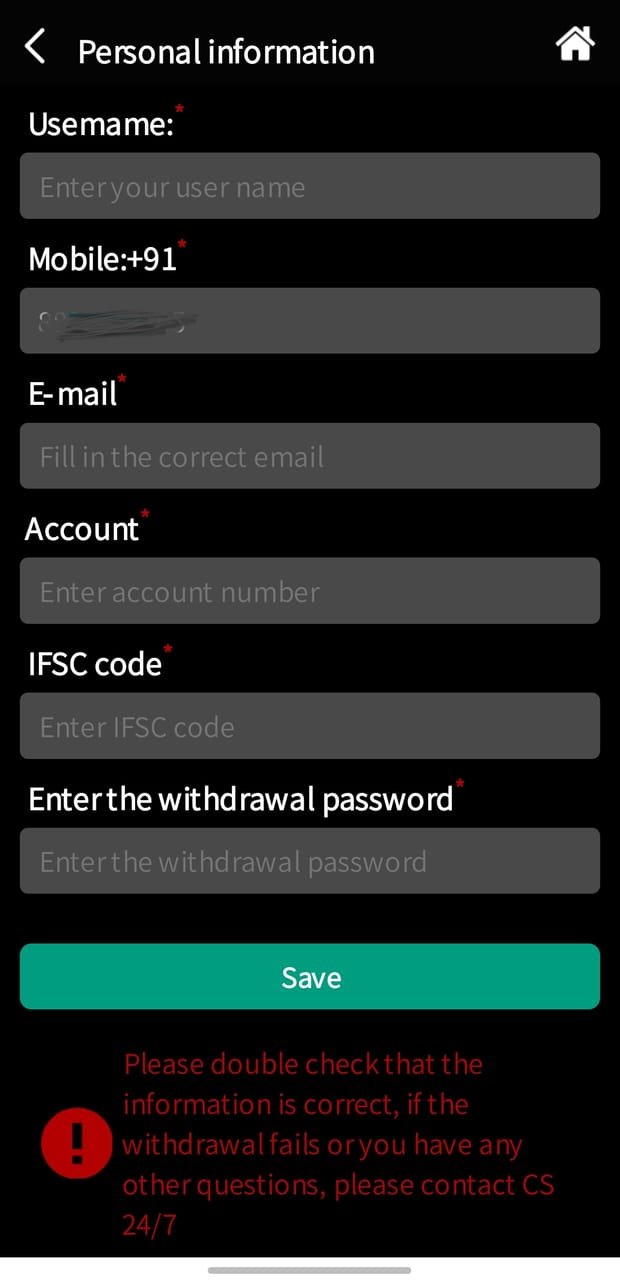
Read the terms panel firstGo to the personal-information screen and fill in your bank account number, IFSC code and account-holder name exactly as they appear on your bank records, then complete any identity verification the operator requests. Doing this now rather than at your first withdrawal request is the single biggest time-saver on the entire platform.
Prevents payout delaysOnly ever install a 101F APK that you downloaded from the official page. Never install one sent to you as a file attachment in Telegram, WhatsApp or anywhere else — not from a friend, not from a "support agent", not from a group admin. A repackaged APK looks and behaves identically to the real one while quietly harvesting your login and withdrawal credentials. This single habit prevents almost every account compromise we hear about.
Screenshot Gallery
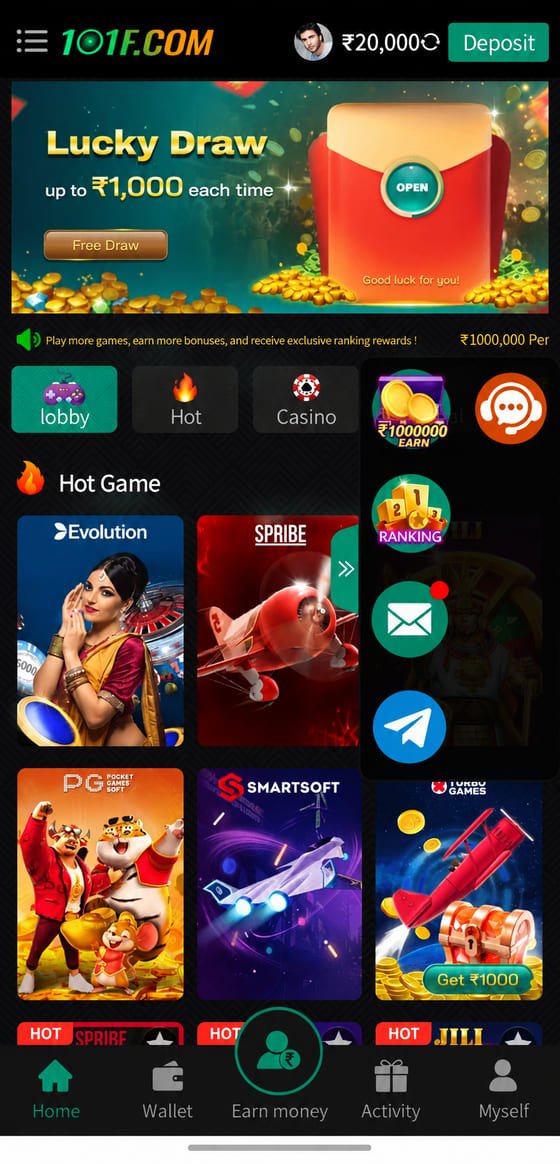
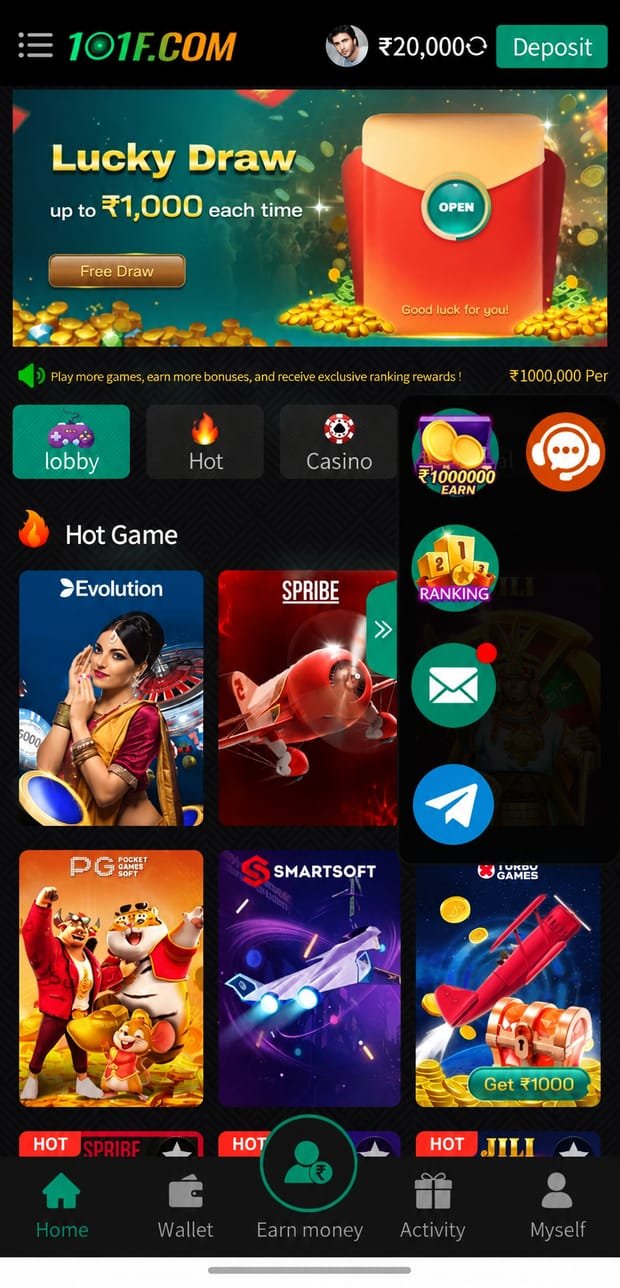
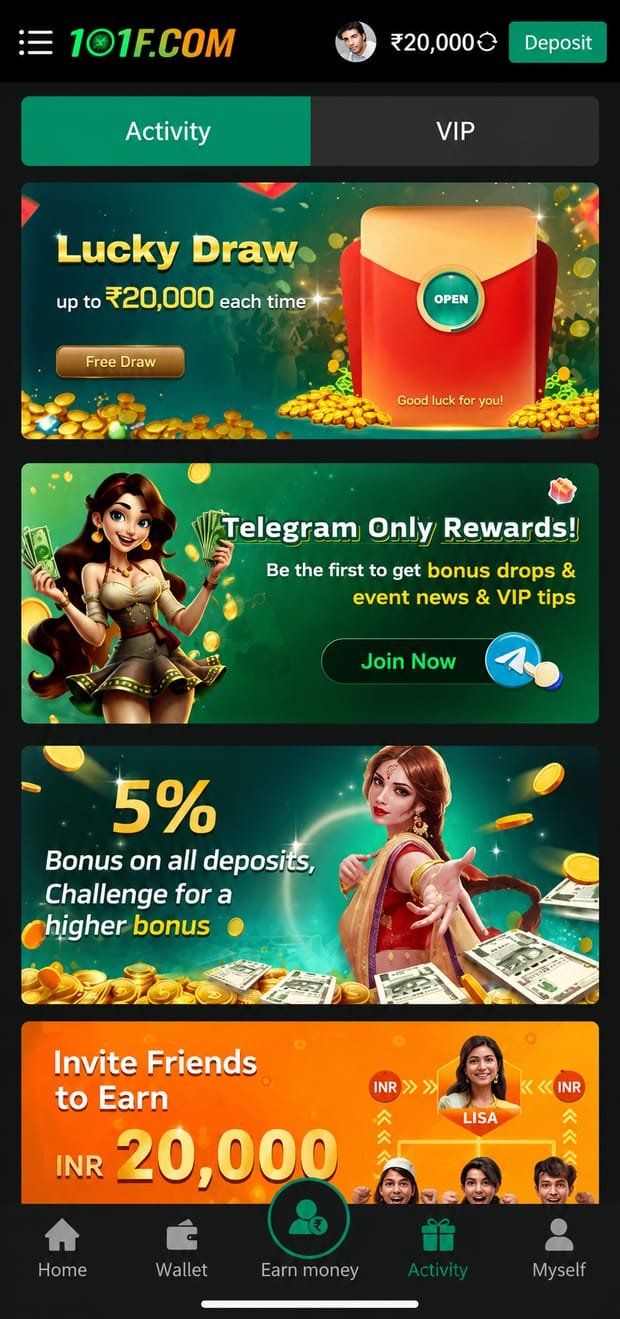
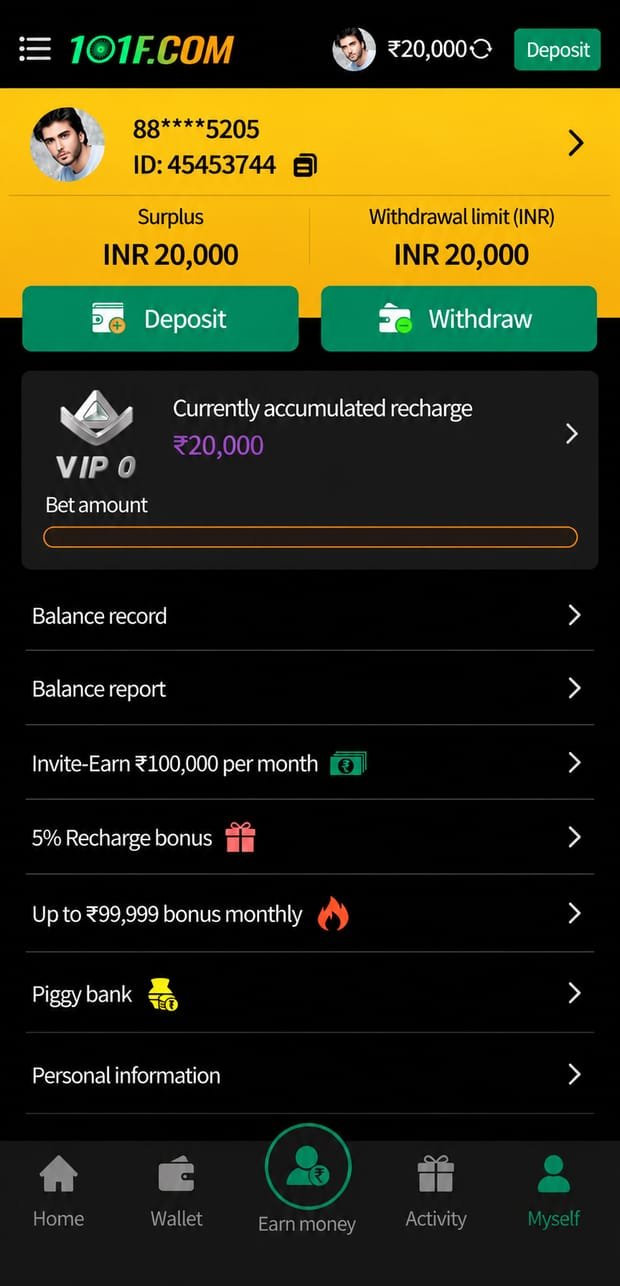
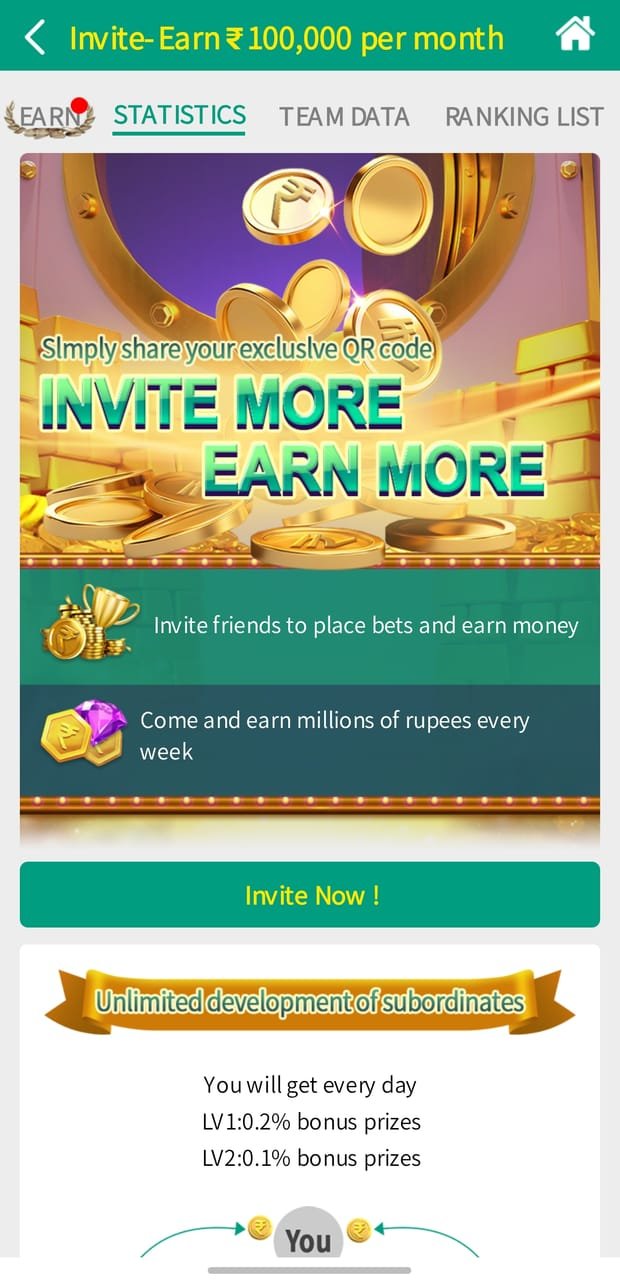
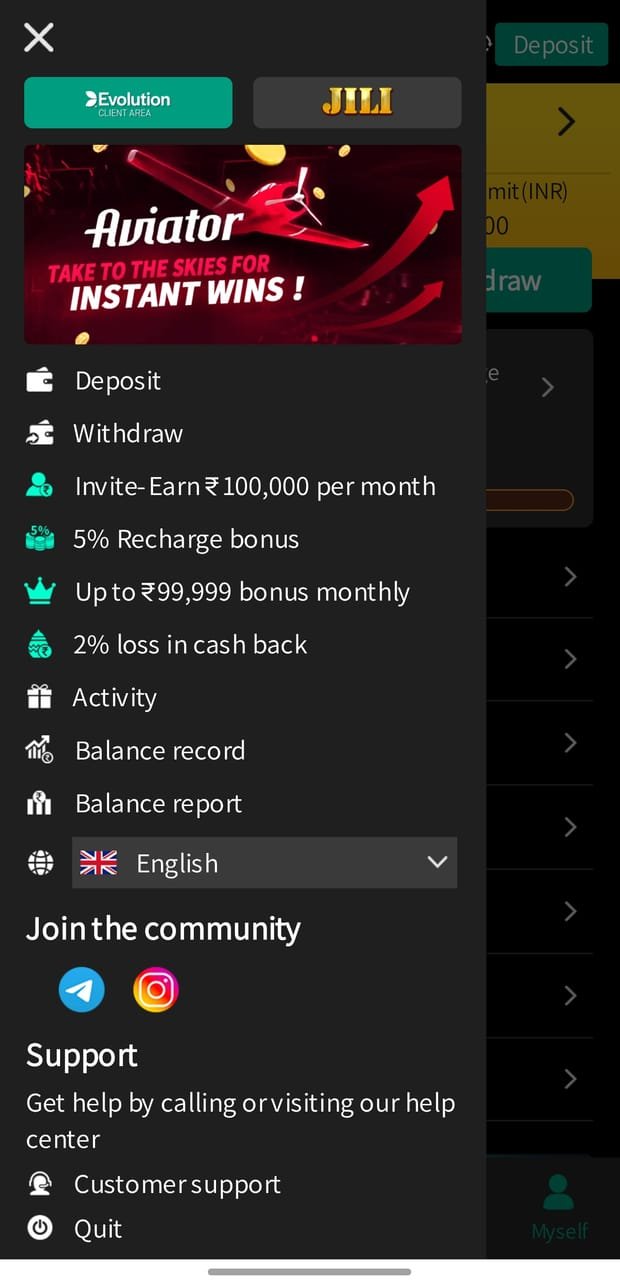
Seven screens from the current 101F Android build — the lobby, promotions, wallet, deposit, withdrawal setup, referral dashboard and side menu. Swipe, or use the arrows.
App vs Browser
The mobile web version works and requires no install. The native build is meaningfully better in six specific ways — here they are, without exaggeration.
The native build caches game assets locally, so titles launch in a fraction of the time the browser version takes. On a mid-range Android phone the difference on a heavy live-dealer table is obvious immediately.
Promotion openings, withdrawal status changes and event announcements arrive as notifications rather than requiring you to open the app and check. You can turn them off per-category in the app settings.
Deposit channels, withdrawal setup, transaction history, VIP tier tracking and the referral dashboard are all built into the app rather than being partly available.
Slots, live casino, Teen Patti and the other Indian card tables, crash and instant games, fishing arcades and sports-themed titles, all reachable from a single lobby with category tabs and search.
The lucky draw, recharge bonuses, cash-back tiers and invite-and-earn programme live in the activity tab. Some of these are app-only and do not appear in the browser build.
The help centre and live chat are reachable from the side menu, and the Telegram community links are built into the same panel so you are never more than two taps from a support route.
Specification
What runs the app comfortably in practice. Exact minimums are set by the operator and published on their download page; anything we cannot verify is marked rather than invented.
| Operating system | Android 6.0 (Marshmallow) or later |
|---|---|
| Recommended | Android 9.0 or later for live dealer tables |
| RAM | 2 GB minimum, 4 GB recommended |
| Free storage | Several hundred MB, plus headroom to unpack |
| Connection | Stable 4G, 5G or Wi-Fi — live tables stream video |
| Install source | Direct APK; not listed on Google Play in India |
| Permissions | Storage and notifications; declinable in settings |
| File size | Stated on the operator’s download page |
| Current version | Shown on the operator’s download page |
| iOS | Mobile web via Safari; add to home screen |
The app requests storage access so it can cache game assets locally — that cache is the reason the native build launches titles faster than the browser version. It requests notification access so promotion openings and withdrawal status changes can reach you without opening the app.
Both are declinable. Declining notifications costs you nothing except the alerts; declining storage will make the app slower but it will still run. You can change either afterwards under Settings → Apps → 101F → Permissions.
Slots and instant games are light on both. Live dealer tables stream video, which is genuinely heavy — if you are on a metered connection, that is the section to watch. A long live session over mobile data will use a comparable amount to video streaming, because that is essentially what it is.
Safety
Three statements we can stand behind, stated precisely rather than as a trust badge.
101f.pro does not host, mirror, re-upload, repackage or modify any 101F APK. Our download button links to the operator’s own distribution page, and the file you receive is the operator’s signed build. There is no intermediate copy under our control, which means there is nothing on our side that could be tampered with.
This website will never ask for your password, your withdrawal password, an OTP, your bank details or a payment. Neither will any legitimate support agent, on any channel, for any stated reason. If someone claiming to represent 101F asks for one of those, that person is attempting to steal your account — report it and stop responding.
We can tell you where the official file is and how the platform works. We cannot guarantee a payout, a processing time, a bonus outcome or a win, because none of those are ours to control. Any affiliate site promising them is promising something it does not own. Everything financial is handled by the operator under the operator’s terms.
If a download link, a message or a "bonus offer" looks off, check it on the Telegram support group before you tap anything. Asking costs thirty seconds. The alternative can cost your balance.
If Something Goes Wrong
The six problems that account for nearly every failed 101F install, and what actually fixes each one.
This is almost always one of four things. Not enough free storage — Android needs meaningfully more free space than the APK size to unpack and install. Clear a gigabyte or two and retry.
An older copy is still installed. Uninstall the existing 101F app first, then install the new file; a signature mismatch between builds will block an in-place upgrade.
The download was incomplete. A truncated APK fails at the final step. Delete the file and download it again on a stable connection.
The file was modified. If you received the APK from a chat message rather than downloading it yourself, delete it. Repackaged APKs are the most common way accounts get compromised.
Questions
The build we link to is the operator’s own signed APK, served from the operator’s own domain. This site does not host, mirror, repackage or modify any APK file — the link takes you to the operator’s distribution page and the download happens there.
The one genuine risk with any APK is provenance. Only ever install a 101F APK you downloaded yourself from the official page. Never install one forwarded to you as a file in a chat, however trustworthy the sender seems — a repackaged APK can look and behave identically while harvesting your credentials.
Android APK
Download the official 101F APK from the operator’s page, register with your mobile number, and the welcome offer — up to ₹10,000 — is applied against your first qualifying deposit. Read the bonus terms in-app before accepting.
18+ only · Terms & wagering conditions apply · Play responsible · Not available in restricted states